
Creating an Organization
Learn more about organization creation and management with role-based access control and the ability to manage organizations.
Getting started with your FlytBase Account
To create an organization:
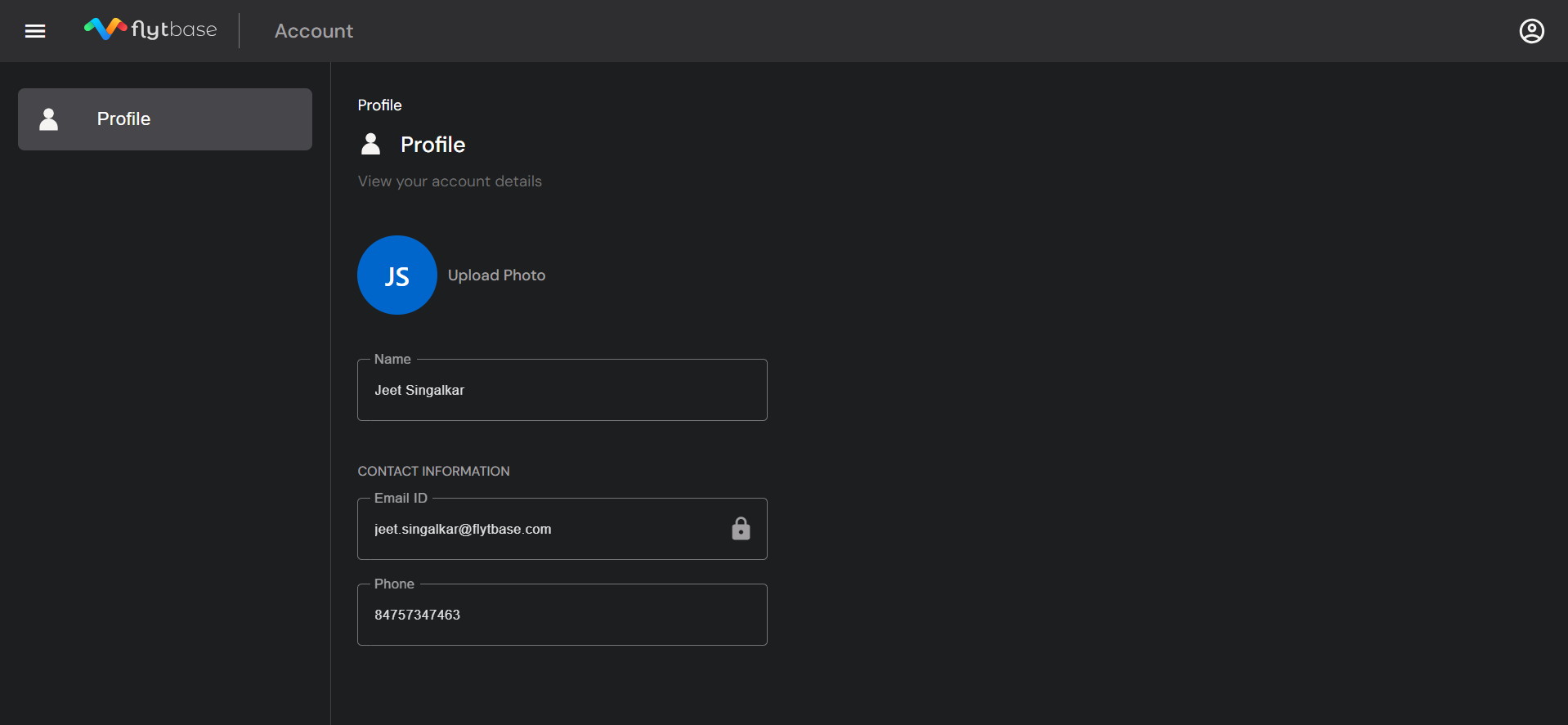
- Click on My Organizations by clicking on the Account button in the right corner.
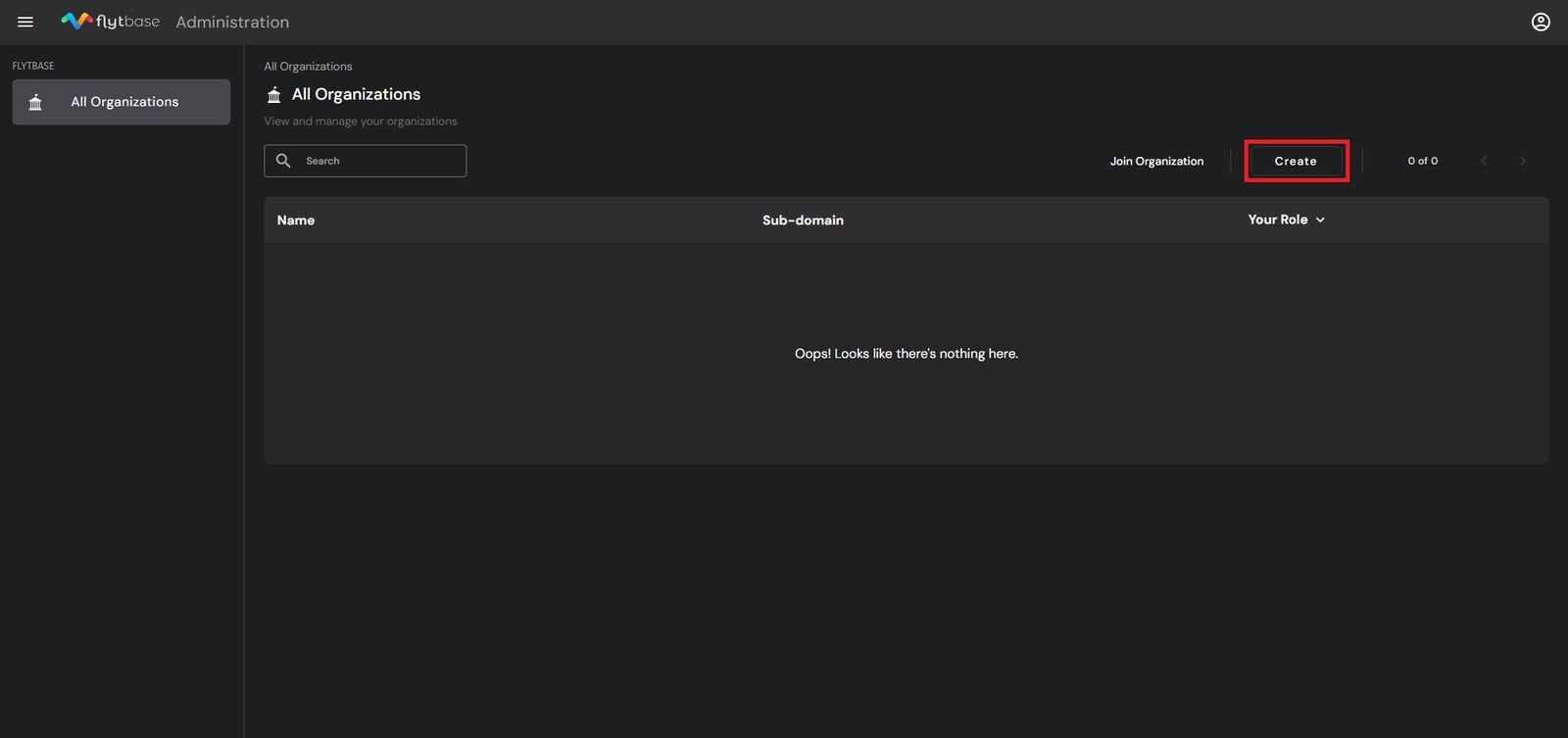
- To create an Organization on the FlytBase dashboard, Click on Create.
If you are logging in for the first time, you will be required to create an organization once you enter the Console dashboard.
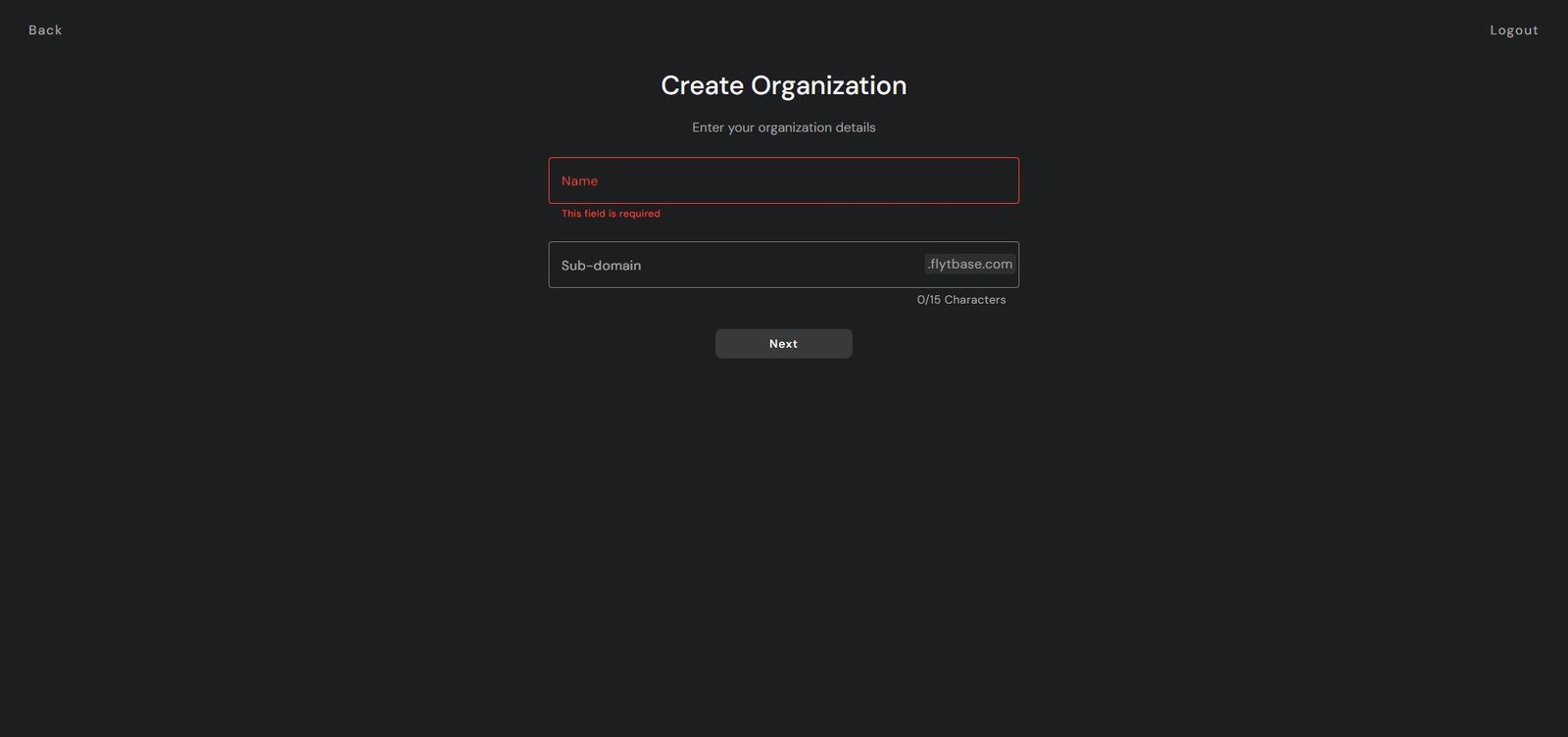
- Add the Organization name and the sub-domain
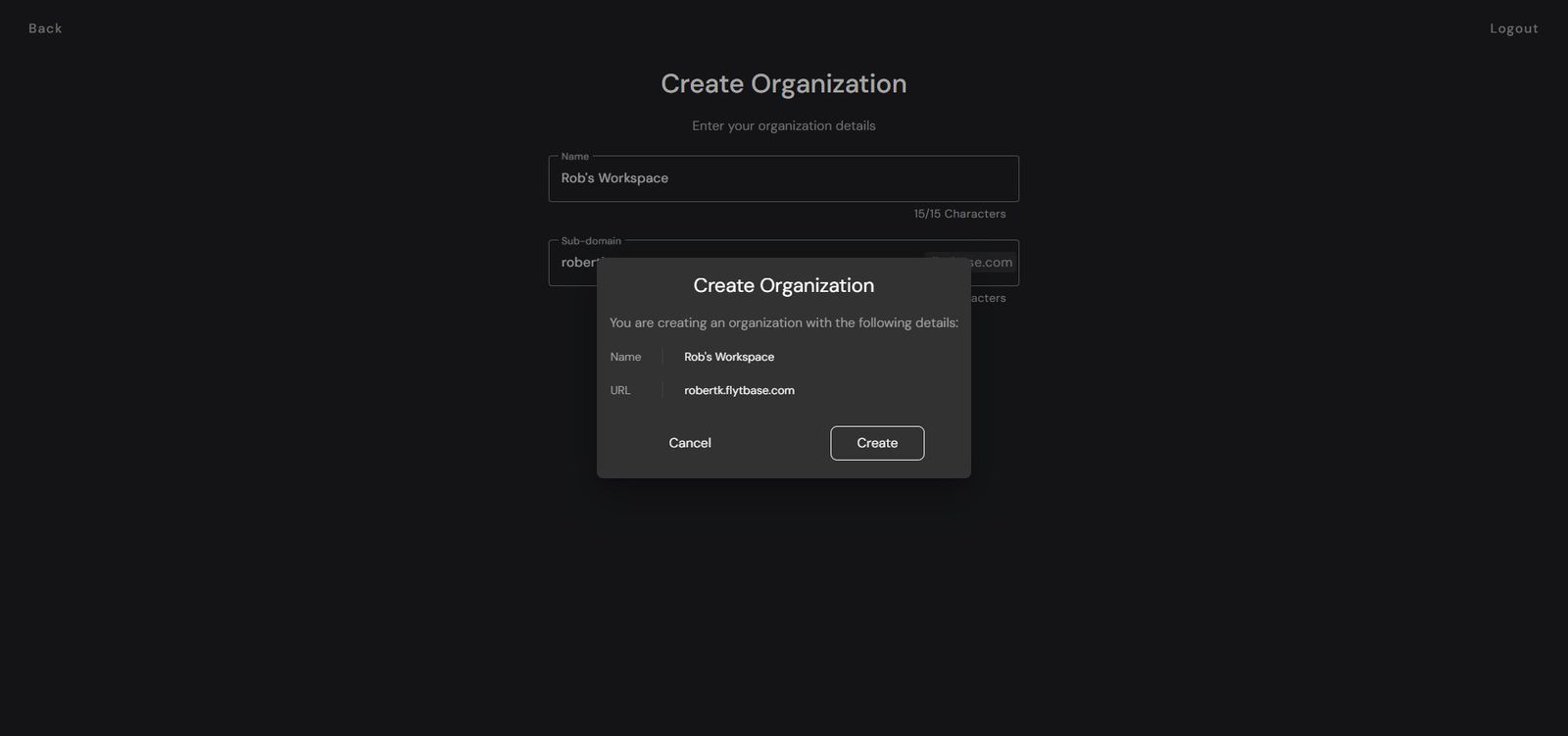
- Once you confirm the Organization name and URL, you will be redirected to the Admin dashboard.
To know more about how to add members to your organization, refer to the following documentation.
Was this helpful?