
Flinks : Live Streaming
FLINKS AND FLOWS
Live Streaming Flinks allow you to gain a comprehensive view of operations and integrate streaming links with any RTSP compatible platform or Video Management Services like Genetec and Milestone.
Creating your Live Streaming Flink
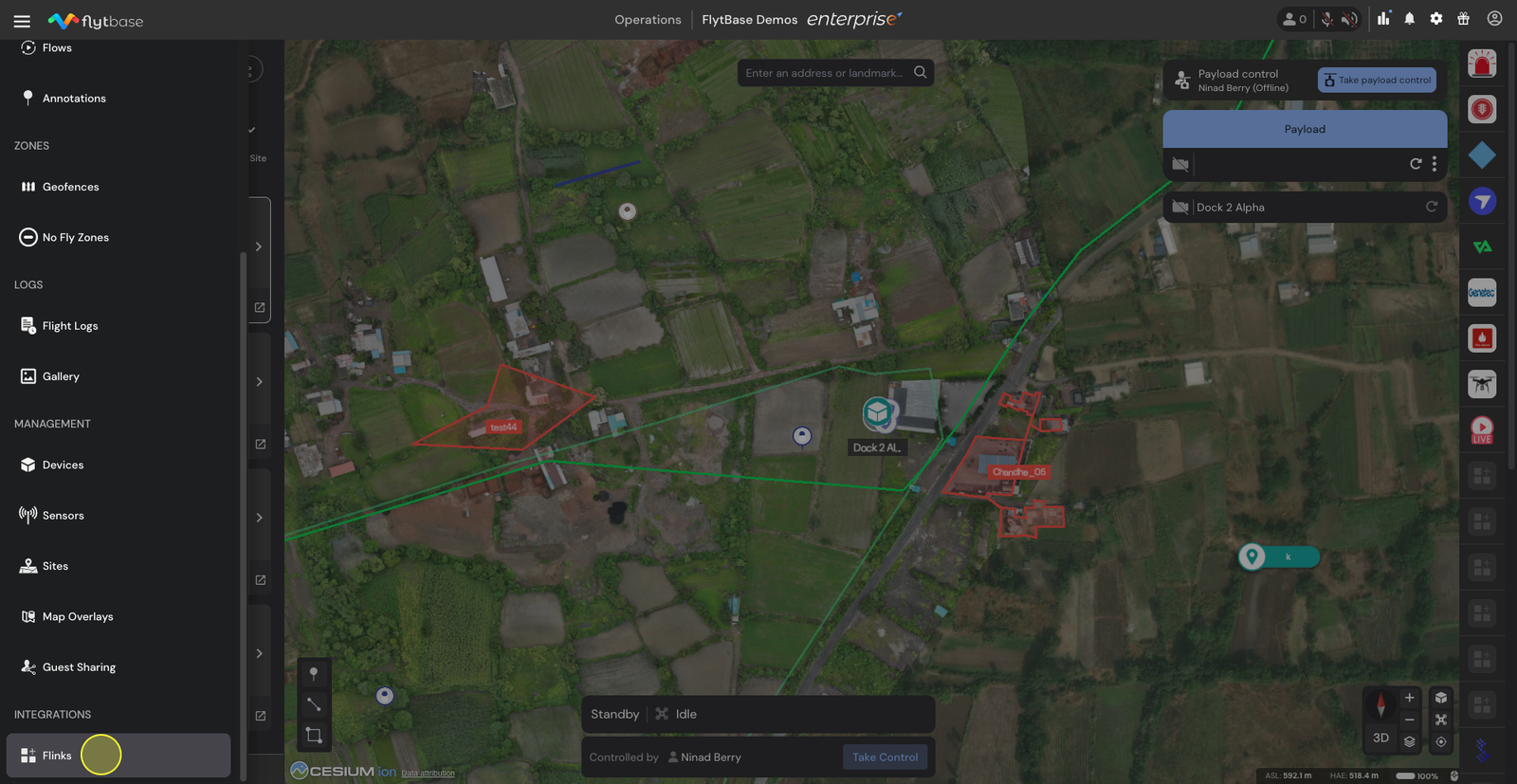
- Navigate to the Operations Dashboard and click on the Navigation Drawer. From the dropdown menu, select Flinks.
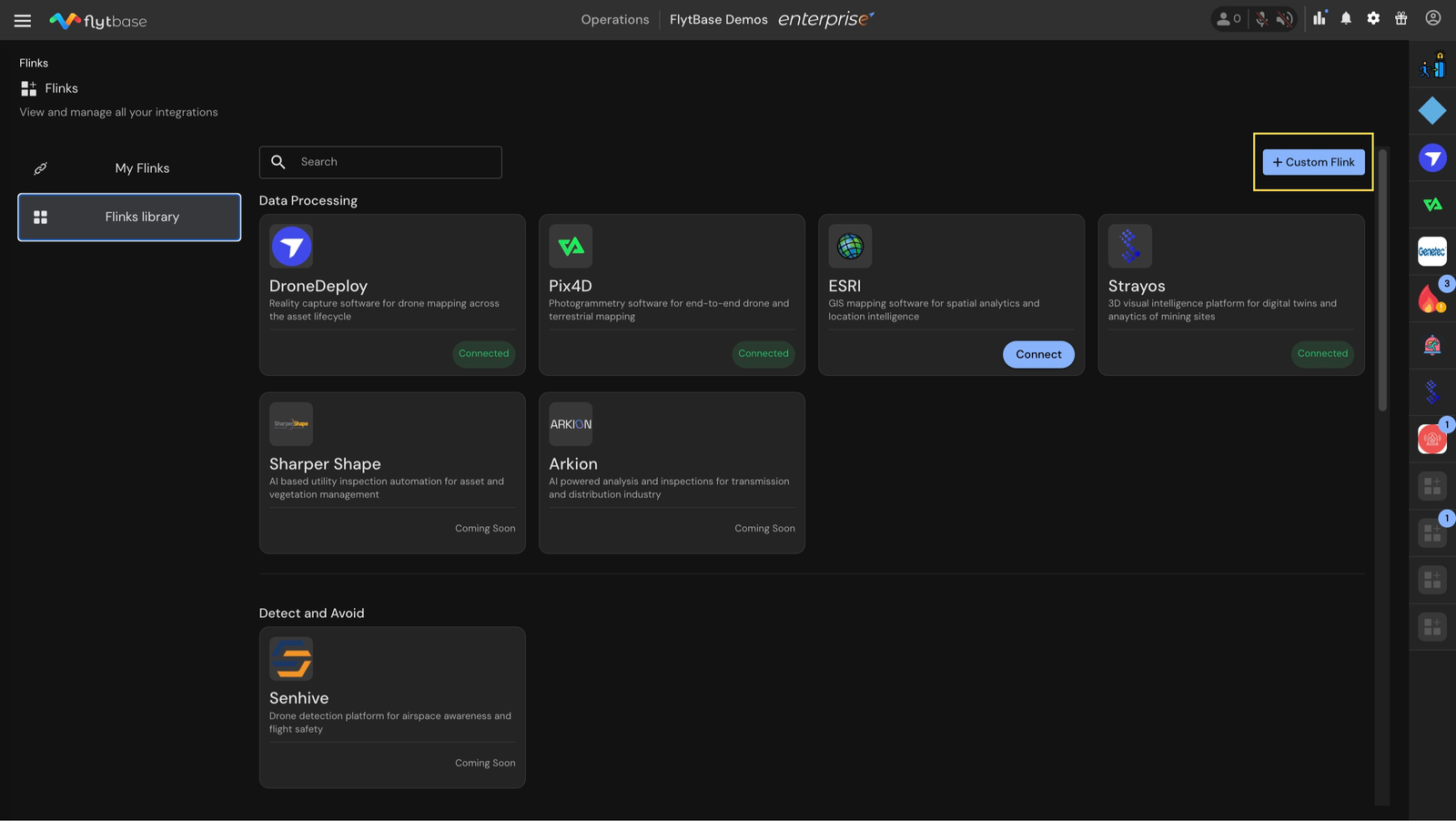
- In the Flinks library, click on the Custom Flink button on the top right corner.
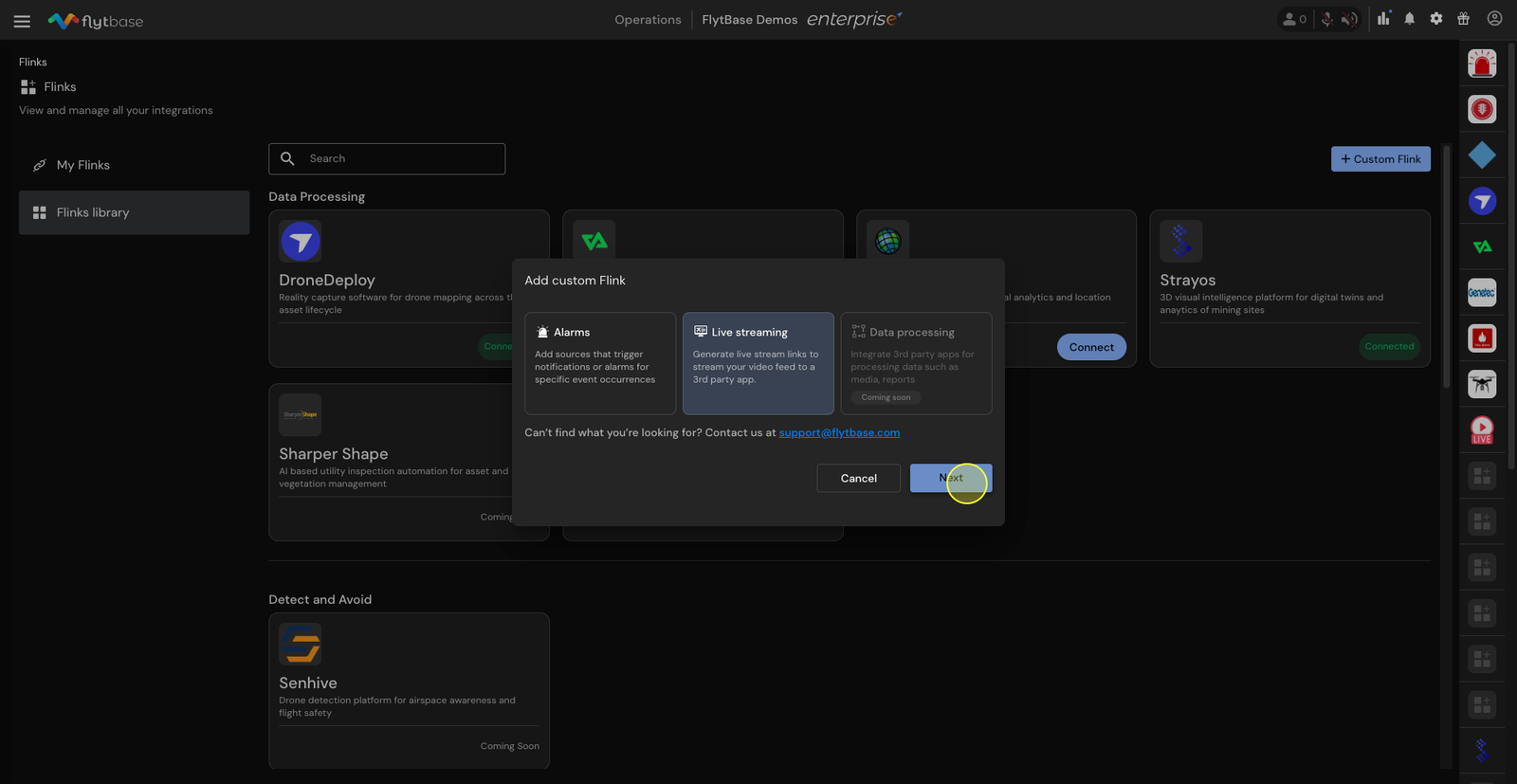
- Set up your custom Flink by choosing Live Streaming and clicking on Next.
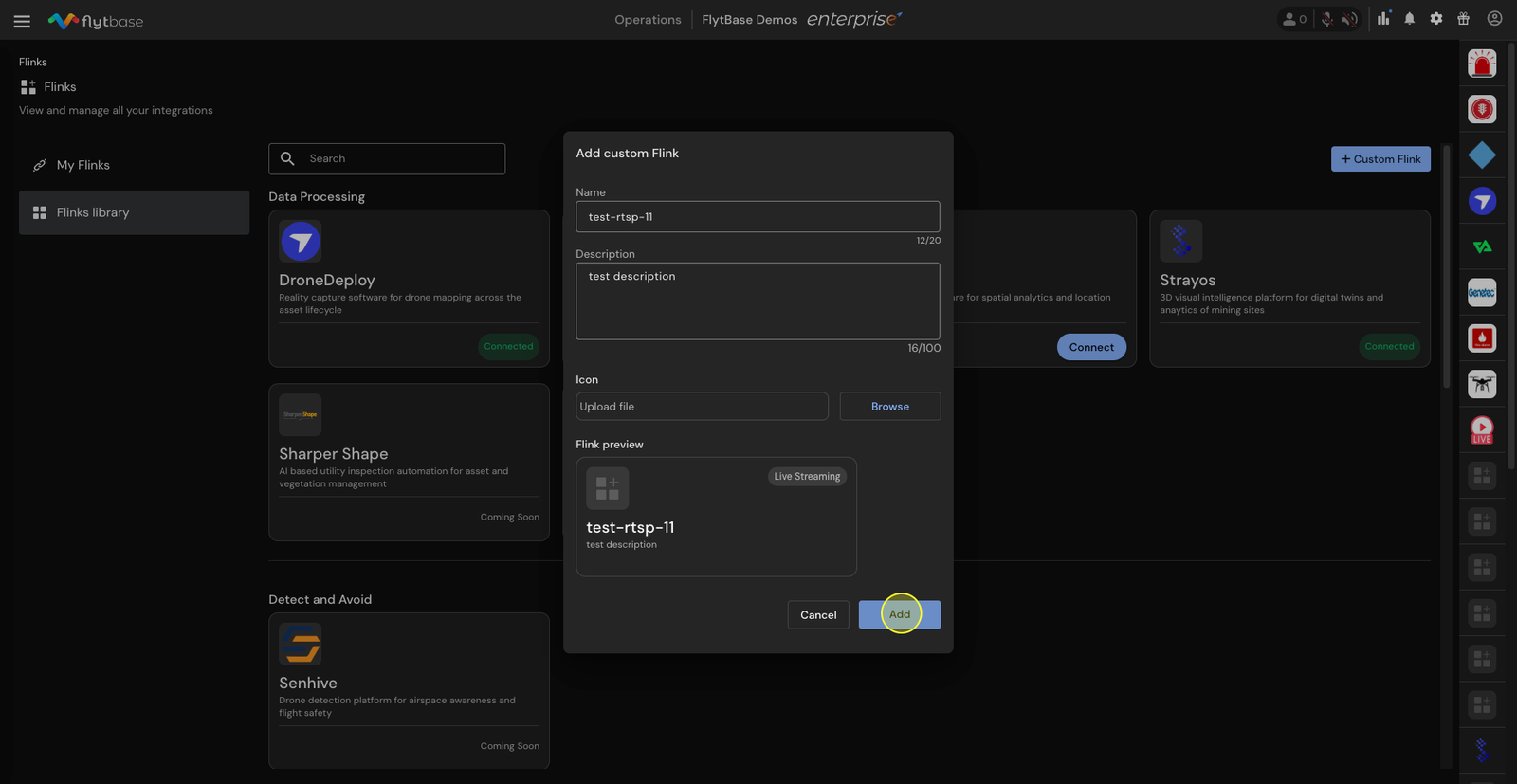
- Assign a name to your Flink. Optionally, add a description and an icon. Preview your Flink and click on Add.
- Your new Flink will now appear in the My Flinks section.
Generating RTSP Links Using Live Streaming Flink
- Go to My Flinks and select the Flink you just created. After this click on the Generate Link button.
- Enter a name for your link, choose the video feed device, and filter your selection based on your sites and devices.
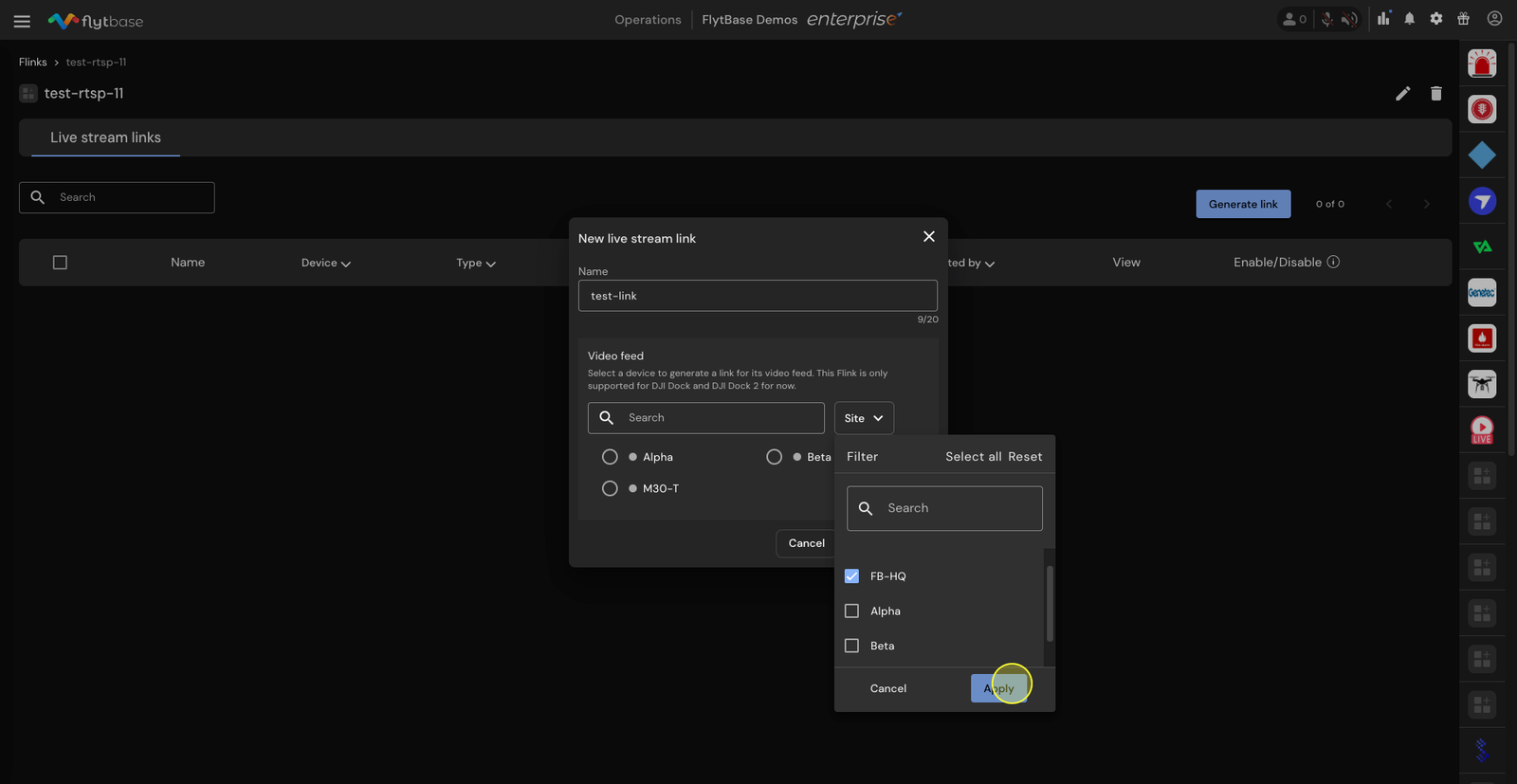
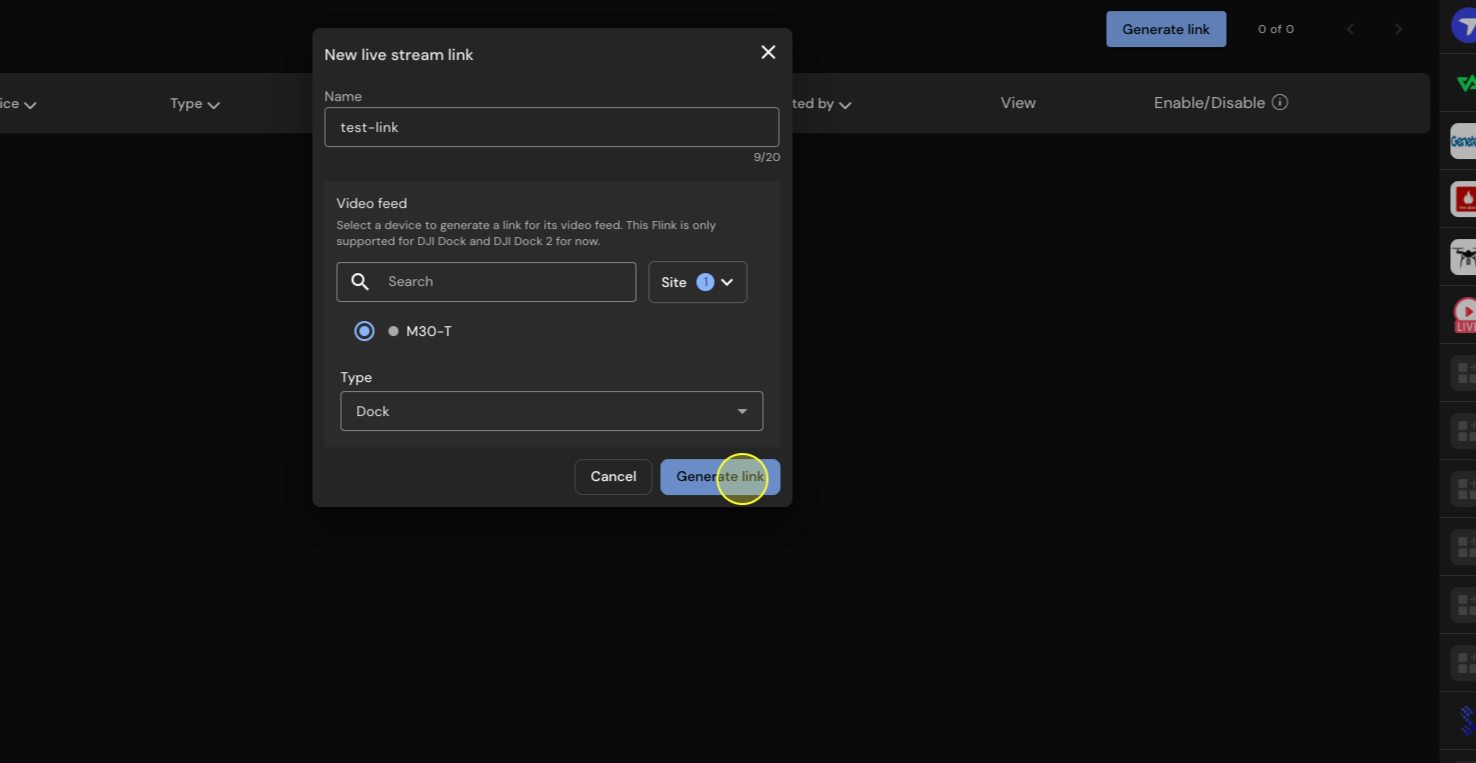
- In the Type section, select either the Dock, Drone FPV, or the Drone Payload view, depending on your preference. Click on Generate Link.
- Once the link is generated, copy the RTSP link.
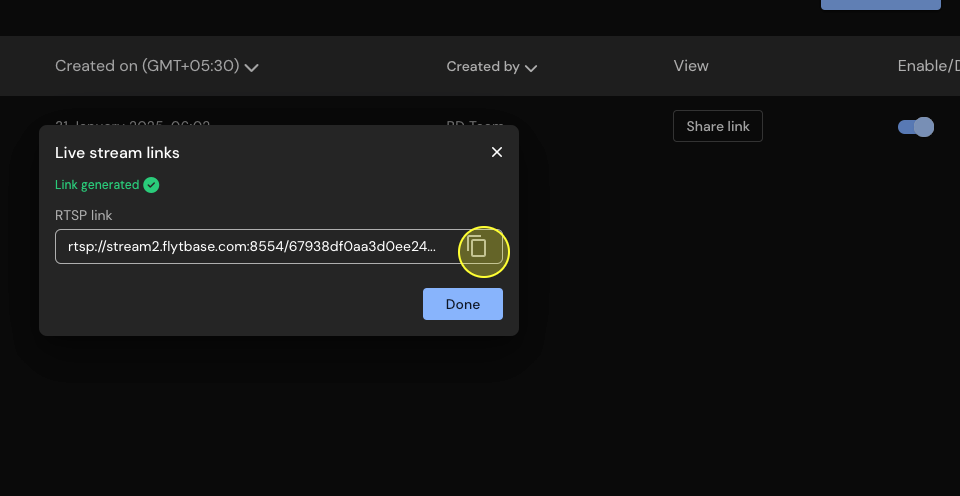
- Stream this data in any compatible VMS application such as Genetec or Milestone.
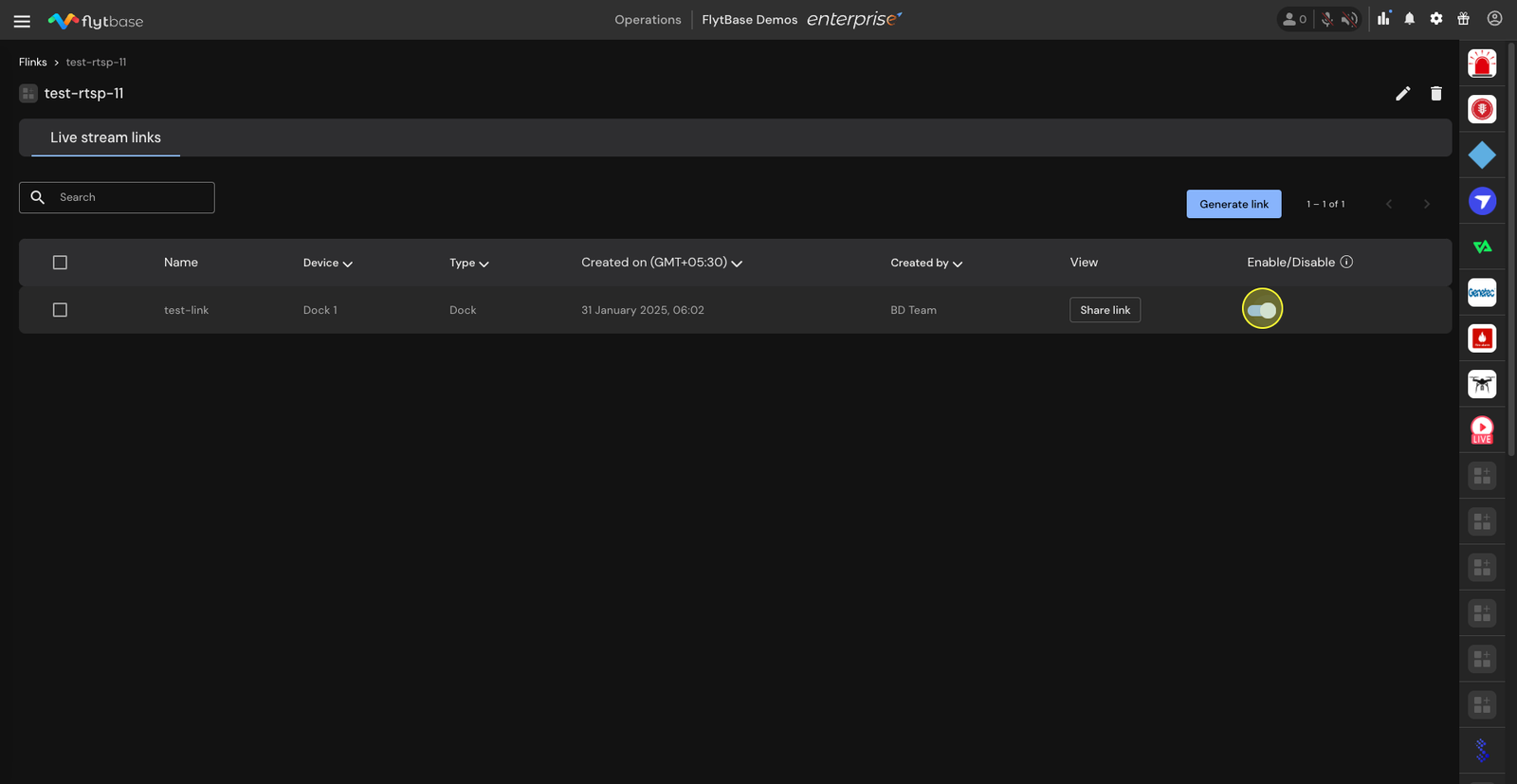
- Use the Enable/Disable option to activate the link when required.
Genetec VMS Integration Using Live Streaming Flink
Milestone VMS Integration Using Live Streaming Flink
Was this helpful?